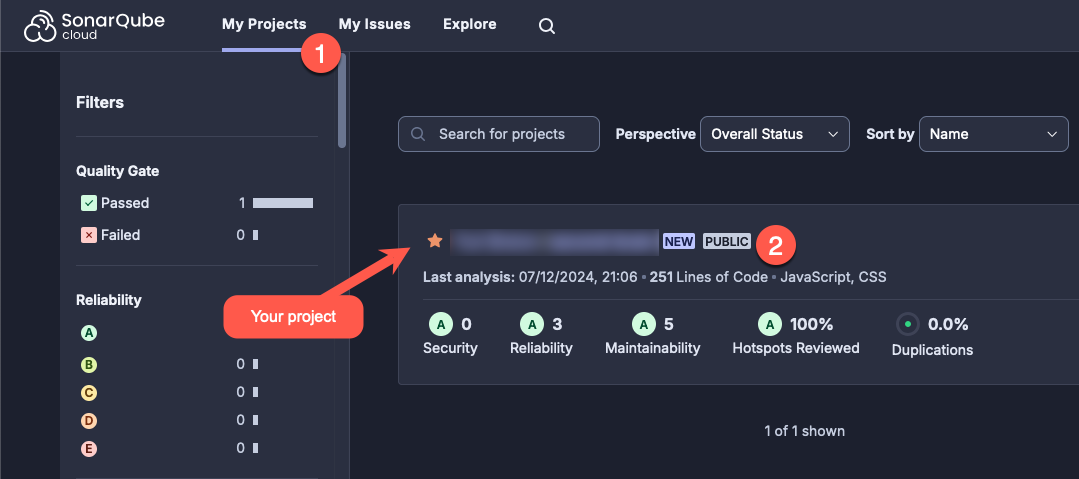
Improving code quality with Sonar Cloud
During the software development lifecycle, code quality must be a step to be considered, in a recurrent way through iterations, where code smells and bugs are resolved along the way.
SonarSource has a SaaS (Software as a Service) solution that helps developers with this important step with zero configuration. Using SonarCloud, your CI/CD has a dedicated step to scan your code and present you with key information:
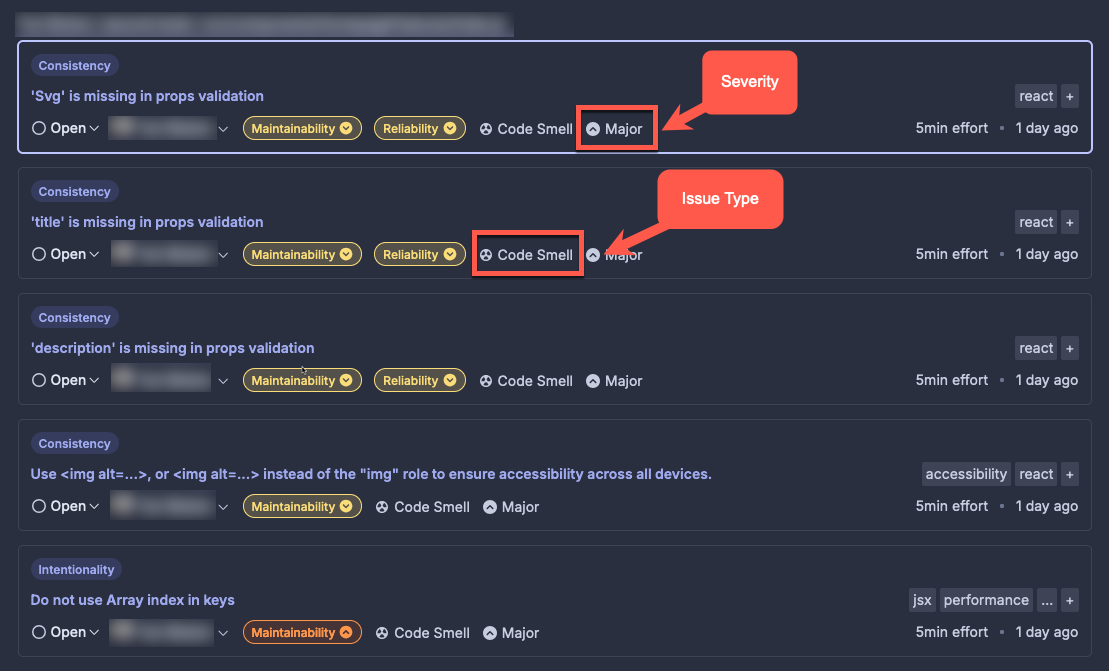
Where is the code located? Why is this an issue? How can I fix it?
The image below presents an example of issues after a scan on my project:
How do I scan my project?
First, log into https://www.sonarsource.com/products/sonarcloud/signup/, and select what DVCS (distributed version control system) your code is located in; in my case, it is on GitHub.
Second, create your organization into SonarCloud; that can be your GitHub user. Finally, select the repository you want to scan, and voilà!